A Free Fire event is useful only if you understand its requirement, reward and claim deadline. Open the event in your own game account and read its rules before committing time or diamonds. An announcement from another server may not describe what is available to you.
Identify the type of event first
Garena's event guide distinguishes task events, login rewards, Luck Royale, top-up promotions and web events. Treat the category as the beginning of your check. A login reward and a paid random draw require different decisions; they should not be grouped under one promise of “free rewards.”
For a task event, write down the action and whether a separate claim is needed. For a top-up promotion, read the qualifying purchase condition. For a random draw, inspect the possible rewards and the stated cost before deciding whether to spend.
Read four details before participating
- Eligibility: the region, account or other participation condition.
- Requirement: the action, purchase or points needed.
- Reward: the specific item or currency named in the rules.
- Deadline: when participation and claiming close.
Use the time and timezone displayed by the event. If participation ends before claiming ends, note both times. A reminder based on the wrong timezone can make an otherwise completed task useless.
Build a short event record
Keep a personal note with the event name, server, date checked and one sentence describing the requirement. Add the reward you actually want and any spending involved. This lets you compare two events without relying on their promotional artwork.
For example, an event that asks for several matches may fit your normal play session. A promotion that requires a purchase only fits if you already planned to spend within that limit. These are editorial planning examples, not descriptions of a verified event running today.
Completion and claiming are separate
After finishing a task, return to its event page and inspect the claim state. Garena's guidance warns that some task rewards must be claimed. Keep a screenshot of the completed task and the claim result if you need a personal record.
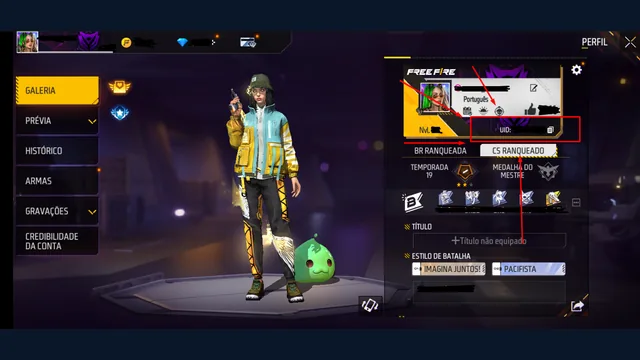
If the event uses a promotional code, continue with the redeem-code guide. If it requires a diamond purchase, use the top-up checklist and keep the purchase receipt. A UID form on a different website does not complete an in-game event.
When an event reward is missing
Collect the event name, the requirement you completed, the displayed deadline and the exact claim result. For a purchase-linked reward, also keep the payment receipt. Use Garena's customer-service route for your game region and the appropriate event issue category.
Explain the sequence clearly: when you participated, what the event showed and what is missing. Avoid sending unrelated account credentials or repeatedly making the same purchase to see whether a reward appears. Support can evaluate evidence; this guide cannot confirm eligibility or restore an expired claim.
Check announcements without inheriting old dates
Use the game and official regional channels as the starting point for current availability. This is a reusable event checklist, not a live event calendar. It does not present an older anniversary promotion as active today.
Before following a “free diamond event” link, read what diamonds with UID actually means. If you need to identify the account involved, use the player ID guide. Keeping these steps separate makes the result easier to verify.
Source check: 9 October 2026. Current event rules in your region take precedence over this checklist.